

Sharpen images
Parameters
This feature works only on still images
| Parameter | Meaning | Default | Values |
|---|---|---|---|
sharp | Sharpening strength. Higher values are sharper; values that are too high cause distortion | 0 | 0 to 500 |
usm | Unsharp mask (USM) strength | 0 | 0 to 100 |
usmrad | USM radius in pixels; use together with usm | 2.5 | 0 to 500 |
Choosing between the two:
sharp: A single parameter, suited to routine sharpening of thumbnails.usm: Unsharp masking, a technique common in professional photo retouching. The radius controls how far the effect reaches: a small radius emphasizes fine detail and texture, while a large radius boosts overall edge contrast.
Demo
Original sharpness:
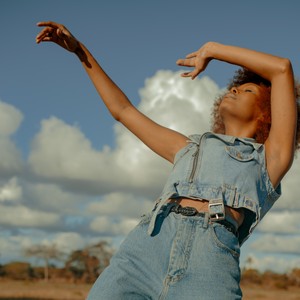
Sharpening strength 200: https://demo.bitiful.com/girl.jpeg?rect=0,0,1000,1000&w=300&q=90 &sharp=200
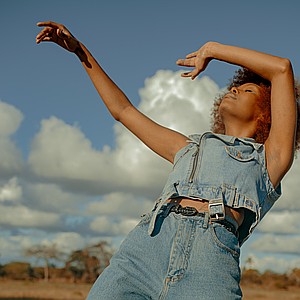
Sharpening strength 500: https://demo.bitiful.com/girl.jpeg?rect=0,0,1000,1000&w=300&q=90 &sharp=500
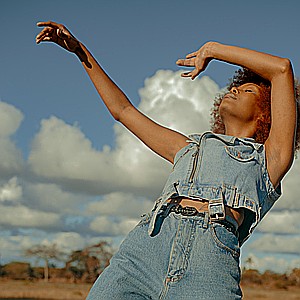
USM sharpening, strength 60, radius 2:
https://demo.bitiful.com/girl.jpeg?rect=0,0,1000,1000&w=300&q=90&usm=60&usmrad=2